Tidy a collection: lint, identifiers, duplicates
Hygiene sits around a fill, not inside it. Nothing merges or rewrites titles until you say so.
Outcome
You will have turned Advanced on (reveal only), run lint as a
read-only report, previewed identifier fixes, and reviewed a duplicate pack
before any --apply-shaped write.
Starting point
Workbench at http://127.0.0.1:8765. Scope a collection on Library first so Repair does not walk the whole library by accident.
A fill is optional. Many people tidy before Grab when the collection was imported from a messy RIS dump; others tidy after when Grab attached a second copy of the same paper.
What you’ll do
Toggle Advanced (cookie; does not enable Scholar or a local model).
Open Repair.
Preview lint (report only).
Preview fix-metadata, then Apply if the pack looks right.
Preview dedupe, read the pack on disk, then Apply keepers.
Walkthrough
Set the collection chip. Toggle Advanced in the header. Extra nav appears: Repair, Mirror, Index, Briefs, Settings.
Open Repair. Each verb is Preview (dry-run + review token) then Apply (consumes the token). Stale previews return HTTP 409.
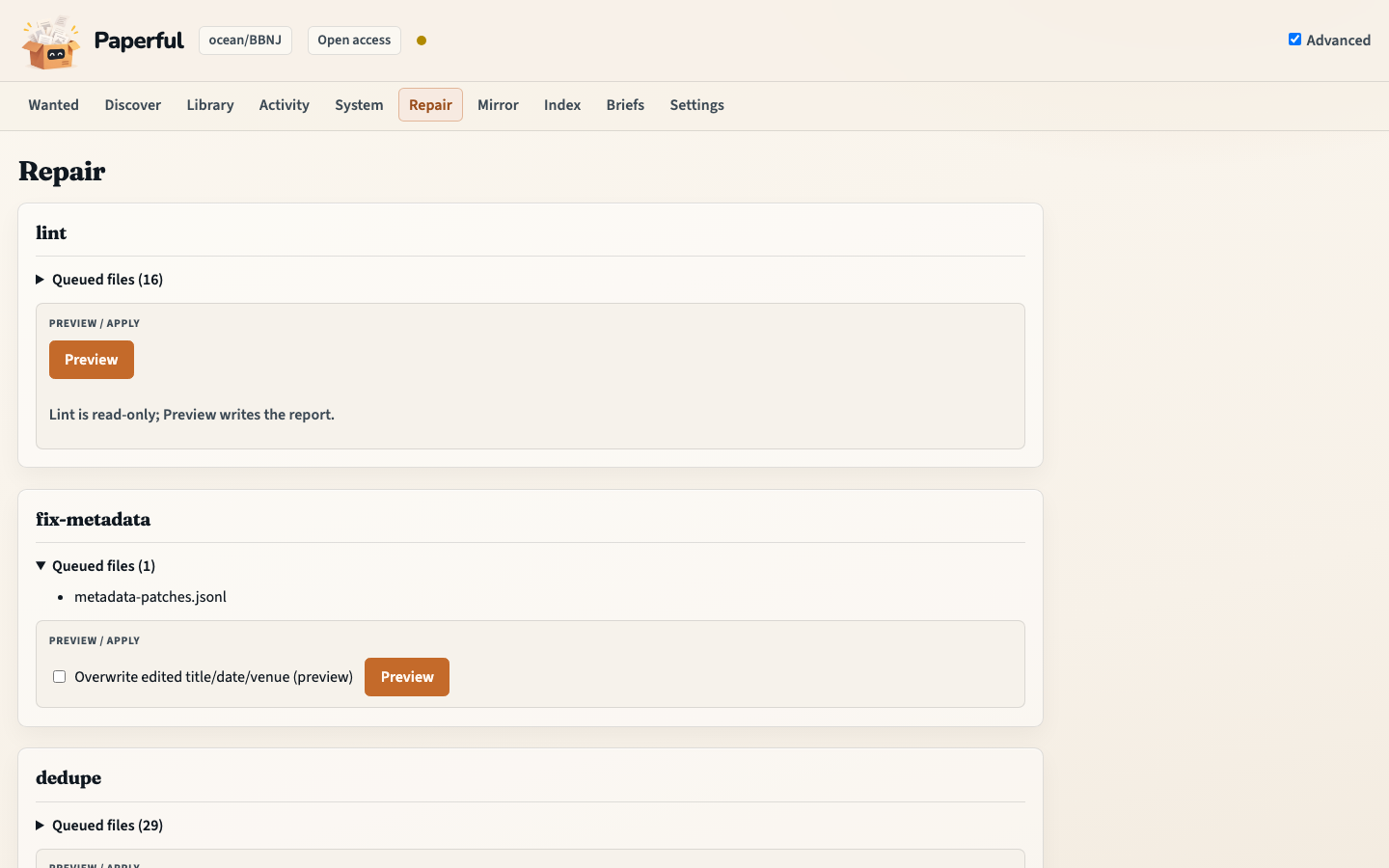
lint — Preview writes the report. Lint is read-only; there is no Apply that “fixes lint”. Read the findings, then use fix-metadata.
fix-metadata — Preview proposes identifier and title patches on disk. Apply writes them to the catalogue.
run/ Grab never write bibliographic fields.dedupe — Preview writes a review pack under
state/dedupe-packs/. Read it. Apply copies the spare parent’s PDF, notes, and better fields onto the keeper, then moves that emptied parent to the Zotero trash. Title+year merges need an extra confirmation (the medium checkbox). Details: Dedupe.attachments (same page, further down) reports ghosts, broken links, and duplicate files. It does not change Zotero unless you pass a surgery flag and Apply.
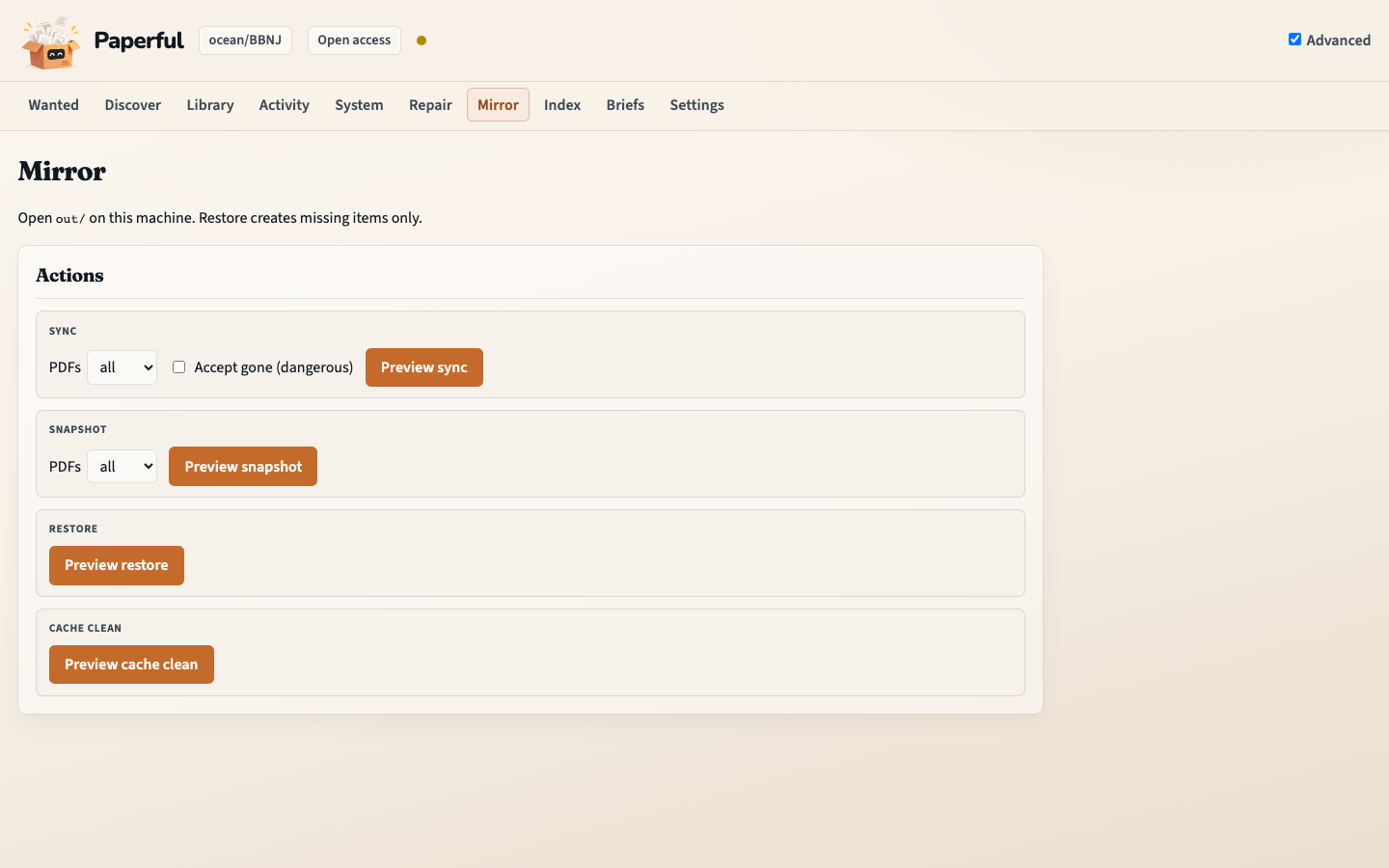
--linkis that surgery, not the stranger path.Mirror (next nav item) is snapshot / restore / cache — the folder copy, not metadata repair.
What to notice
Advanced is a reveal. It does not turn on Scholar, Sci-Hub, or LLM.
Dedupe is not in
paperful allby default. Run it when the collection is messy, usually before a big Grab.Restore creates only what the live catalogue is missing. It does not overwrite fields already there.
You should now have…
A lint report, optional identifier writes, and (if you applied dedupe) one keeper per duplicate pack.
CLI equivalent
docker compose run --rm paperful lint -C ocean/BBNJ
docker compose run --rm paperful fix-metadata -C ocean/BBNJ
docker compose run --rm paperful fix-metadata -C ocean/BBNJ --apply
docker compose run --rm paperful dedupe -C ocean/BBNJ
# read state/dedupe-packs/*.md
docker compose run --rm paperful dedupe -C ocean/BBNJ --apply
docker compose run --rm paperful attachments -C ocean/BBNJ
Next
First fill once identifiers are honest
Workflows for
paperful alland saved run configs