First fill: missing PDFs onto disk
The shortest realistic path from “this collection still has holes” to PDFs you can open on this machine.
Outcome
You will have scoped one collection, Previewed a fetch, Grabbed
files onto out/, opened those files yourself, and Attached the copies
you trust into Zotero.
Grab never writes the library. Attach is the write gate.
Starting point
The workbench is running (docker compose up →
http://127.0.0.1:8765). Zotero is open on the host with the local API
enabled. You do not need campus EZProxy or a local model for an open-access
pass (Open access on the preset chip).
The screenshots are ocean/BBNJ. The clicks are the same for any collection.
What you’ll do
Set the collection chip on Library.
Open Wanted and read Missing / Held / Have.
Preview (selected rows or all).
Grab onto
out/(consumes the preview token).Open
out/on disk and skim a couple of files.Attach into Zotero.
Walkthrough
Open Library. Nested collections show item counts and missing-PDF counts. Use the target icon on a row to set the collection chip (it sticks as a cookie).
Open Wanted.
GET /lands here. Counts at the top are Have · Held · Missing. The default tab is the first non-empty bucket. Missing rows use miss-surface icons (hover for the plain-language reason).
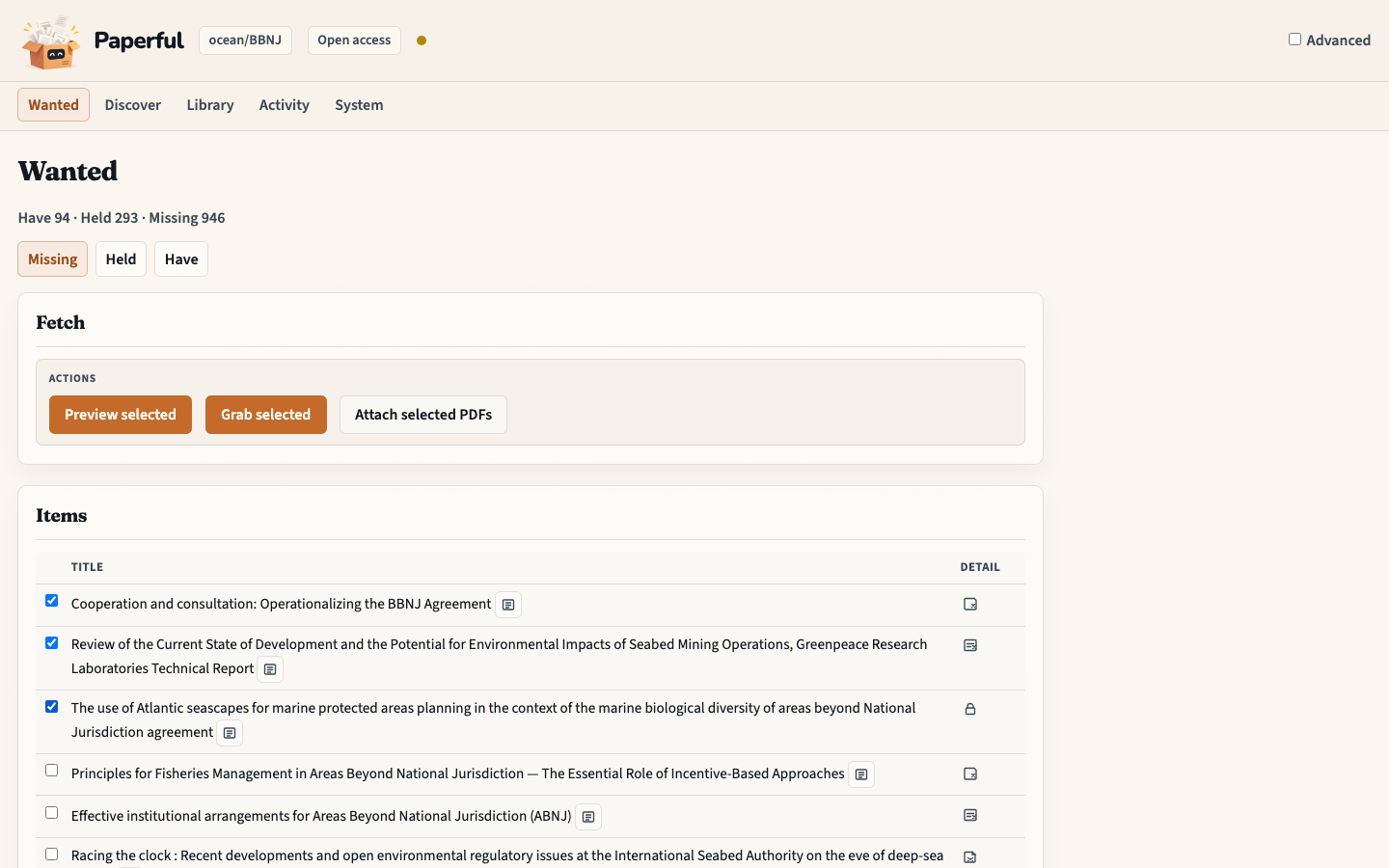
Tick the rows you want, then Preview selected (or Preview all). Activity records the command. If the library changed since preview, Grab refuses (HTTP 409) — preview again.
Choose Grab selected (or Grab all). Files land under
out/with a provenance stamp (paperful oa:unpaywall, …). Zotero is unchanged.Open
out/in your file manager. Trust the disk before notes or Ask.Back on Wanted, open Held for downloads that need a human look (short PDF, DOI mismatch). Have is already-imported copies.
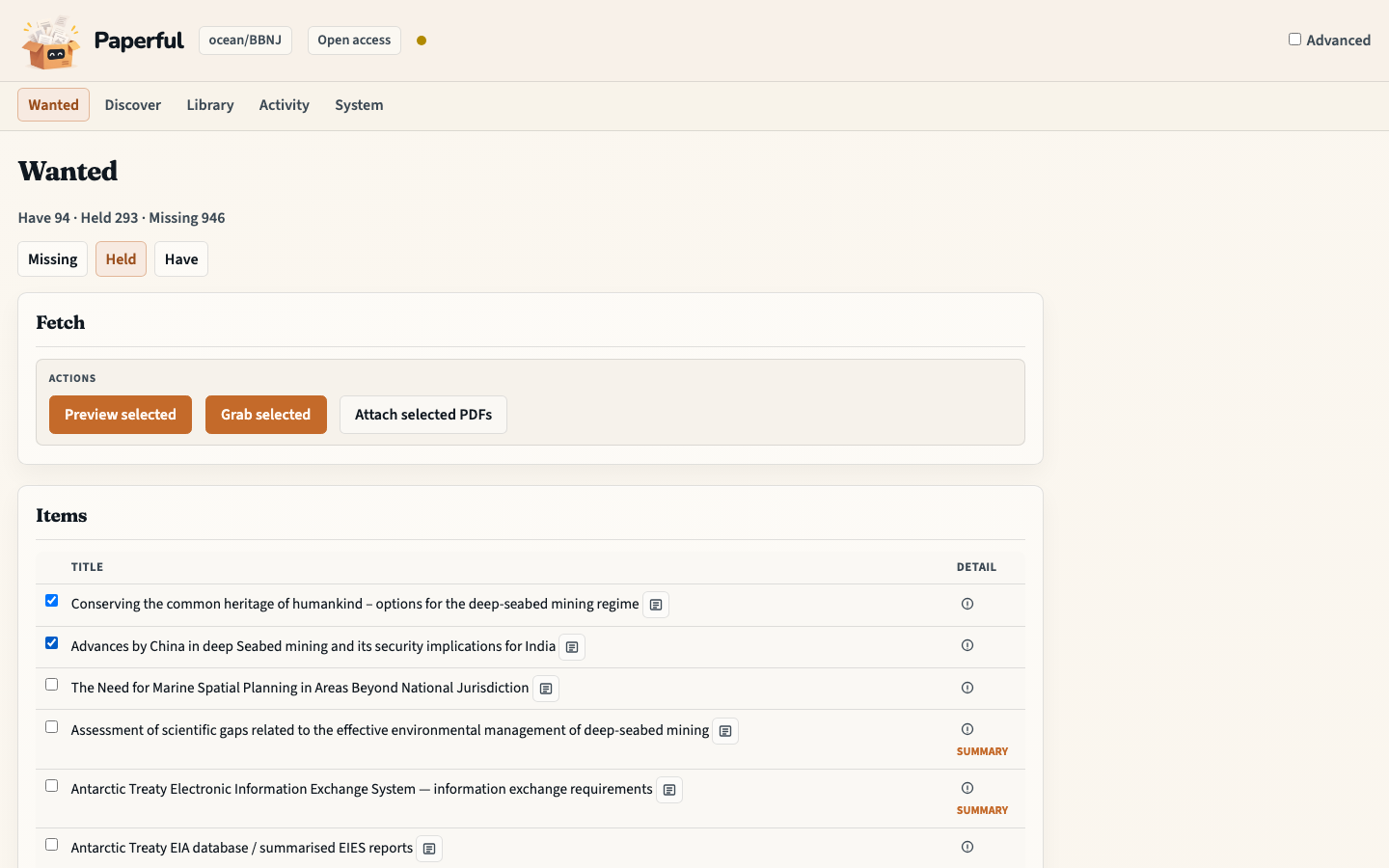
Tick the copies you trust and choose Attach selected PDFs. On Zotero 7–9 the files stay on disk until you attach later (
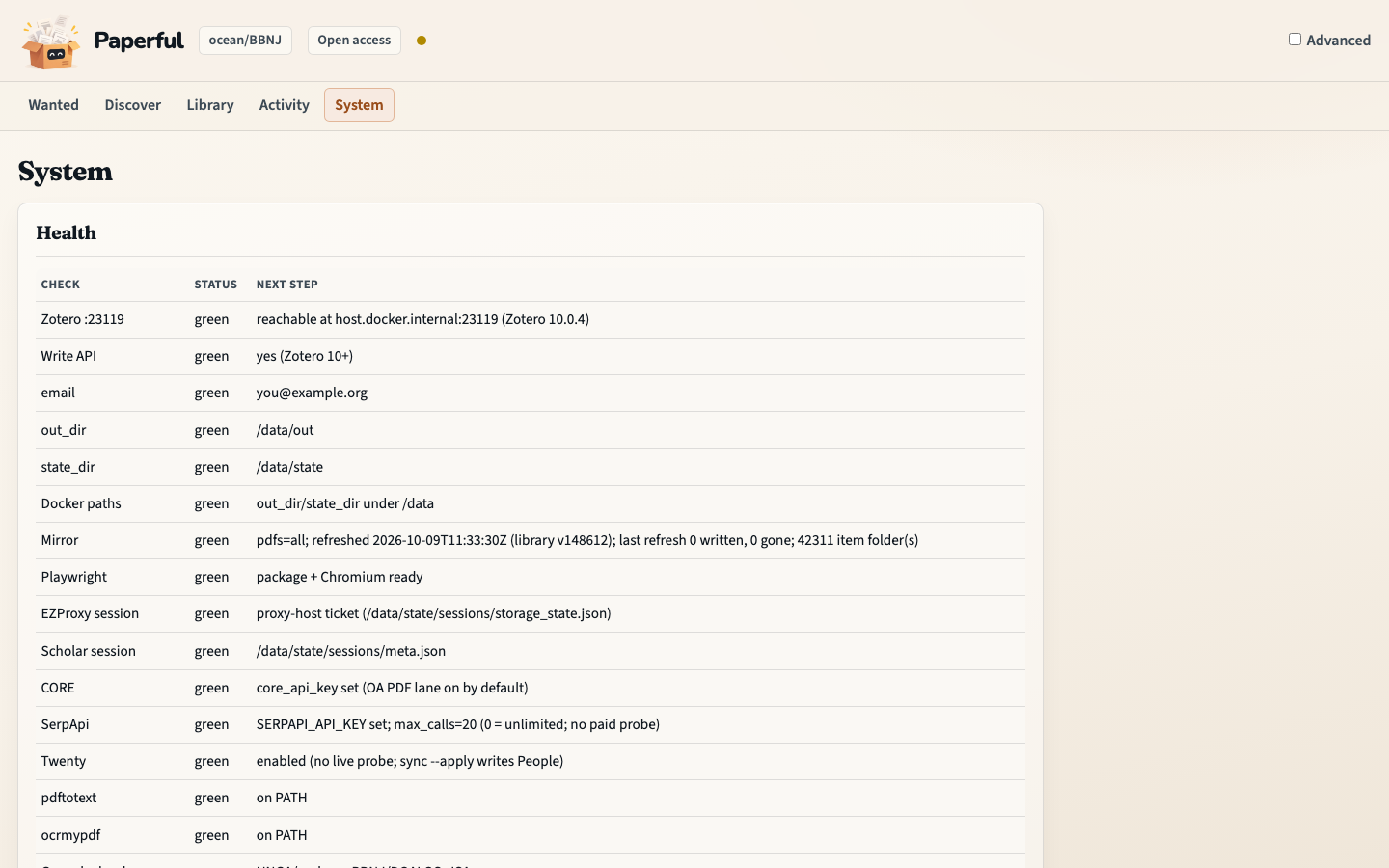
paperful attachon the CLI).System is the doctor table if Wanted shows an amber coach line (no collection, or the library is down). Activity is the command history.
What to notice
Preview → Grab → Attach is the loop. There is no “attach verified automatically” setting.
Held is not failure. A one-page stub or a DOI mismatch waits for an explicit attach (Advanced can allow those holds).
Open access first. Campus EZProxy is the Campus preset after
paperful session login ezproxyon the host — EZProxy.Not every paywalled or DOI-less item comes back.
You should now have…
A collection chip, PDFs under out/ for the rows Grab could reach, and
those copies attached in Zotero if you asked.
CLI equivalent
docker compose run --rm paperful gaps -C ocean/BBNJ
docker compose run --rm paperful run -C ocean/BBNJ --preset oa --dry-run
docker compose run --rm paperful run -C ocean/BBNJ --preset oa --no-attach
# open out/ yourself
docker compose run --rm paperful attach -C ocean/BBNJ
Next
Grow the library if the collection is still thin
Tidy a collection if duplicates or identifiers look messy
How it works for the search order behind Grab
Research pack for works cited inside the PDFs you just filled